Skip to content


Acrobat 2025 for MAC Lifetime PDF Full version
Acrobat 2025 for MAC Lifetime PDF Full version
In stock
After the payment is completed, We will send you an email manually within a few minutes- 3 hours. Please check your Email, spam and junk folders periodically. For a faster response feel free to chat with us.
LIFETIME. No more Monthly Subscriptions! One time payment!
Acrobat Pro DC 2025 Mac Full Version Download (MacOS) – Editing PDF files on a Mac can sometimes feel like a nightmare. Pages end up out of order, the file size gets too large, and to make it worse, you are usually rushing against a deadline. Without the right PDF editor for Mac, the situation quickly becomes even more stressful.
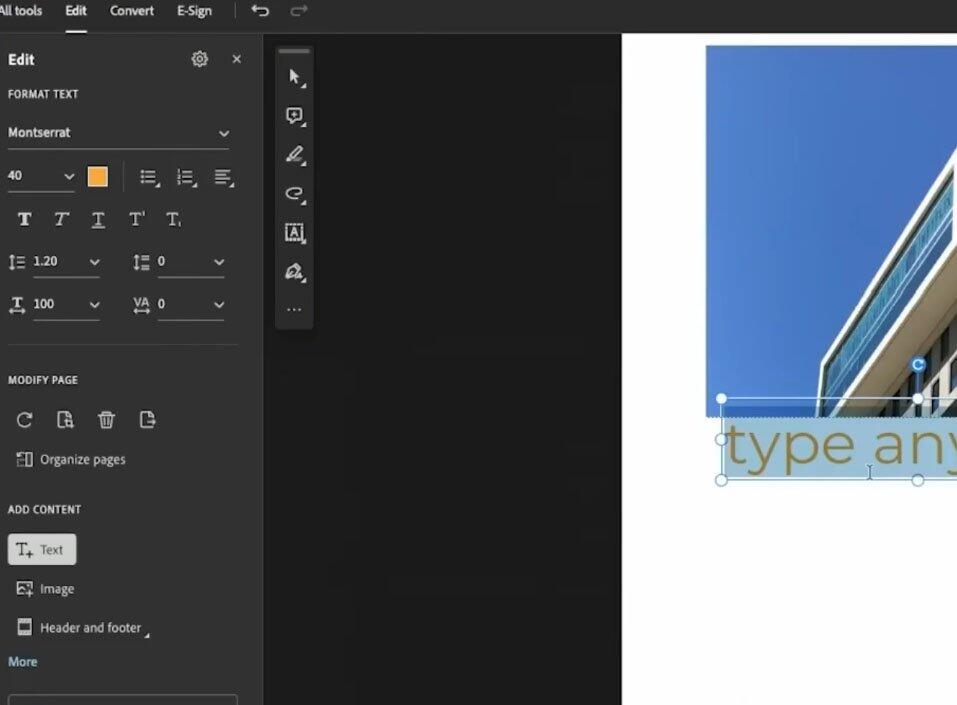
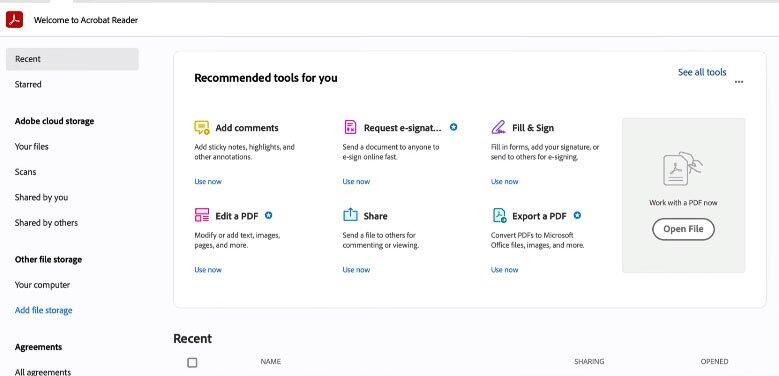
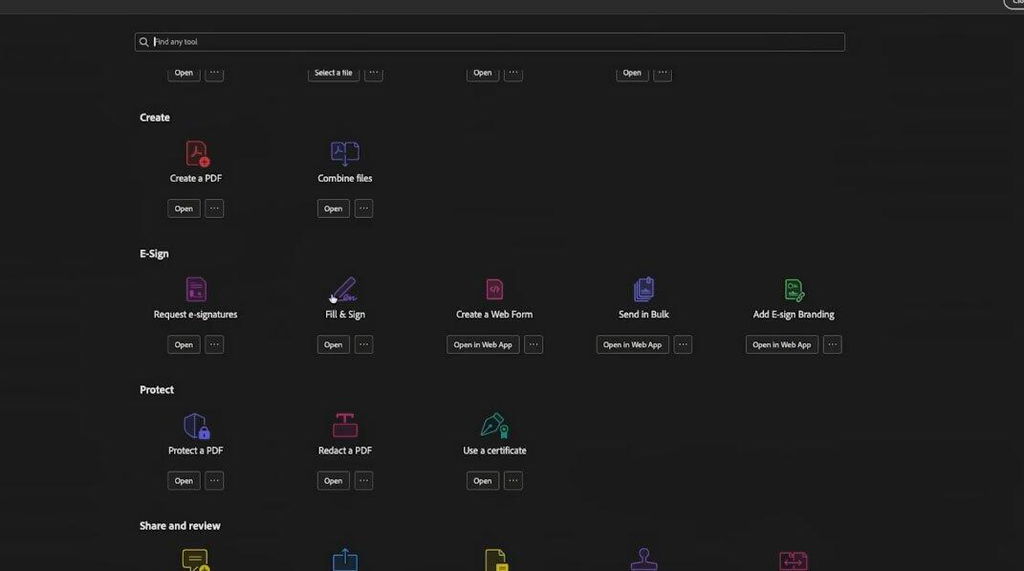
That is where Acrobat Pro DC 2025 for Mac comes in. This version provides everything you need to manage your PDF files in one place. You can easily edit, convert, compress, and even add new elements to your PDFs. It is a complete all-in-one solution that works smoothly on macOS.
Another advantage is the seamless synchronization through Adobe Document Cloud. For example, I once had to revise a contract on my Mac but suddenly needed to leave the house. While traveling, I continued editing directly from my iPhone, and all changes were saved automatically. No more sending files back and forth via email. That experience really showed me how much easier and more efficient work becomes with Acrobat Pro DC.
Acrobat Pro DC feels even smoother on all Mac devices. Scrolling is more fluid, zooming in and out is effortless, and the entire interface is more responsive, very similar to working in Microsoft Office. On top of that, you can protect your files by locking them with a password or adding encryption for extra security.
Acrobat Pro DC 2025 New Features (MacOS)
- Edit PDF files with ease, including text, images, and hyperlinks.
- Convert PDF documents to popular formats such as Word, Excel, PowerPoint, and image files.
- Merge multiple files into a single PDF document.
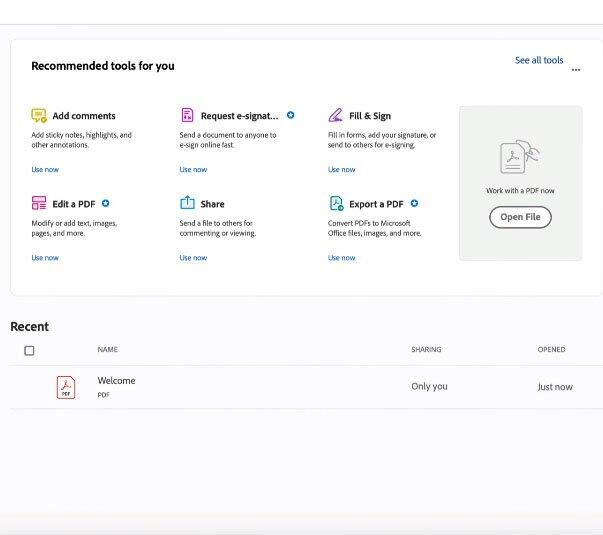
- Add comments, highlights, and notes directly inside the document.
- Fill out PDF forms and sign documents digitally with Fill & Sign.
- Protect your files with passwords and advanced encryption.
- PDF Spaces for collaboration, brainstorming, and content sharing on one platform.
- AI Assistant to quickly perform tasks like Rotate, Delete, Convert, Scan, or Compress.
- Full integration with Adobe Document Cloud for seamless cross-device syncing.
- Modern and more responsive user interface.
- Supports macOS Monterey, Ventura, Sonoma, and the latest Sequoia 2025.
System Requirements
| Operating System | MacOS Monterey | MacOS Sequoia |
|---|---|---|
| Processor | Intel Processor | Apple Silicon M1 & M2 |
| Memory | 8GB DDR3 | 16GB DDR4 |
| Hard Drive | 8 GB – Solid State Disk | 8 GB – NVME |
| Graphics Card | Dedicated GPU Card | M1 & M2 Integrated Graphics |
| Screen Resolution | 1920×1080 | 4K Resolution |
Customer Reviews
Product as described. Excellent support, delivery and communication.
Very Happy with item. Thank you :)
Had some issues but received fast responses and got it fixed quickly
Great price and rapid delivery…
Product as described. Thank You